 Orbit GPS
For Android & Android Auto
Orbit GPS
Directions that give you time to get ready.
A friendly, Garmin-style GPS that tells you which lane to be in, warns you well before the turn, and works with no cell signal at all.
Why Orbit
Like the Garmin on your dash,
right on your phone.
Early warnings
Heads-ups come early enough to change lanes calmly — not in the middle of the turn, and never after it.
Lane guidance
“Use the right two lanes.” “Stay left.” “Keep right to stay on the highway.” You always know where to be.
Counts the turns
“Take the second right.” “Destination on your left.” Directions the way a person would give them.
Works offline
Maps, routing and address search live on your phone. Built for highways where the cell signal gives up.
Android Auto
Full turn-by-turn on your car’s screen, with lane arrows and arrival time.
Places along the way
Find gas, food, coffee and rest areas ahead on your route, and save Home, Work and favourites.
Smart rerouting
Miss a turn and it quietly finds a new way. Avoid highways, ferries or gravel roads if you like.
Day & night
The map switches to dark colours at sunset, worked out from where you are.
Private by design
No accounts, no ads, no analytics. Your location never leaves your phone.
A friendly voice
Clear, calm and human.
Every prompt is recorded with a natural voice, so it sounds the same whether you have signal or not. Here’s a short sample.
Map styles
Pick the map that suits you.
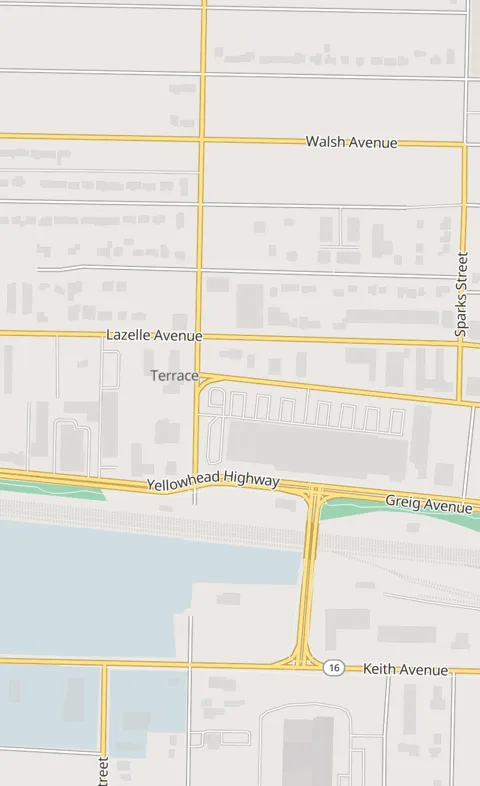
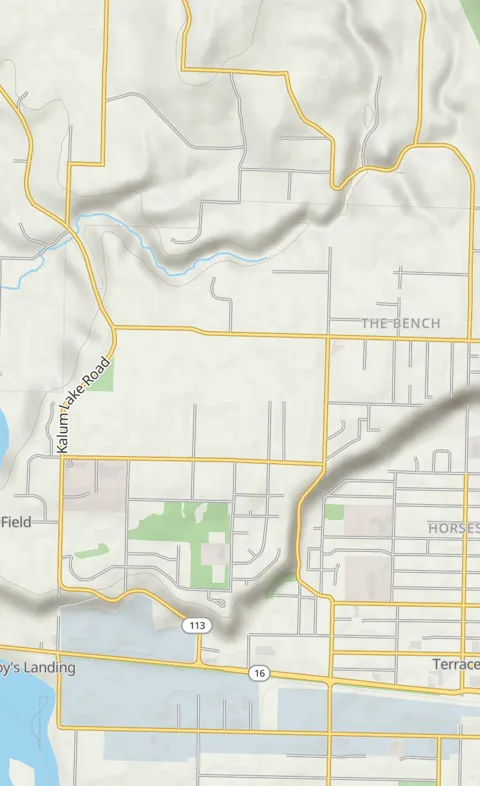
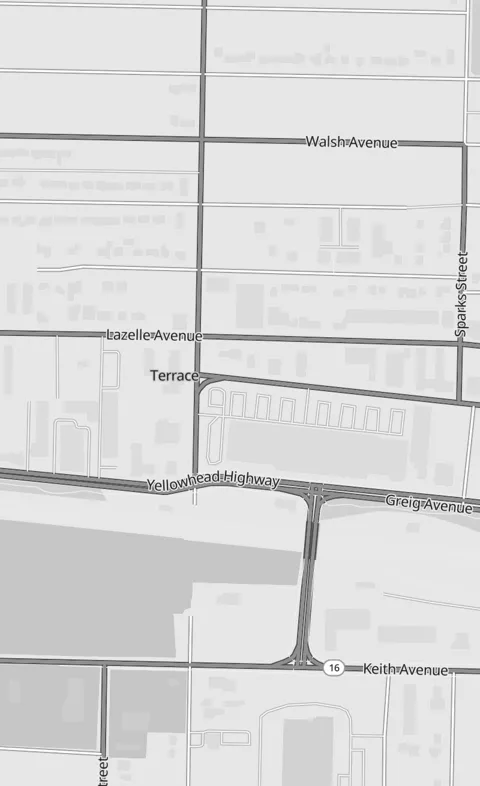
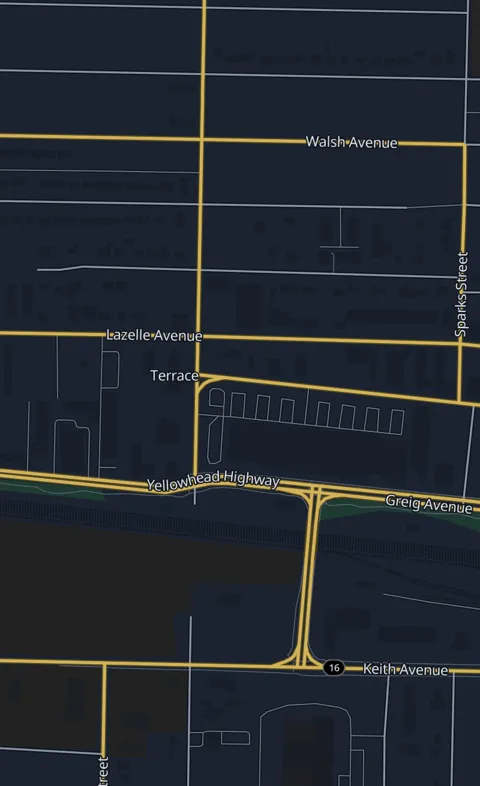
Offline maps
Download your province or state. Coming soon
Maps will come by region — British Columbia, Alberta, Washington and so on — updated monthly from OpenStreetMap. Once downloaded, everything works with no data at all.
Orbit GPS is being tested on the highways of northwest BC first. More regions are on the way.
- Open Orbit GPSTap ☰, then Offline maps.
- Pick your regionChoose your province or state. Topo hill shading is an optional extra.
- Download on Wi-FiDownloads pause and resume, so a spotty connection is fine.
- Drive anywhereRouting, search and voice all work with no signal.

Named for Orbit
Always by your side.
Orbit was a chocolate-and-white cocker spaniel and a very good boy. This app carries his name, and it’s made to be what he was: friendly, loyal, and right there with you on every drive.
Get Orbit GPS
Free. No ads. No catch.
Download the app for Android 8.0 and newer. Google Play and the full source code are coming soon.
How to install the APK
- Tap the download button on your Android phone.
- Open the downloaded file. If Android asks, allow your browser to install apps.
- Tap Install, then open Orbit GPS and allow location access.
Orbit GPS is made by one person and will always be free. If it helps you on the road,
you can buy the developer a coffee ☕.